On a busy day I have five or six coding agents running, sometimes closer to ten. That is not a brag - it is a management problem. The agents do not get tired or lose the thread. I do. It gets hard to track which one is doing what, and hard to remember where I was when one of them comes back and needs an answer.
The thing I keep coming back to, after months of building DevThrottle, is that working with a fleet of agents feels a lot like managing a team of developers. And it is just as diverse.
The phone developer and the whiteboard developer
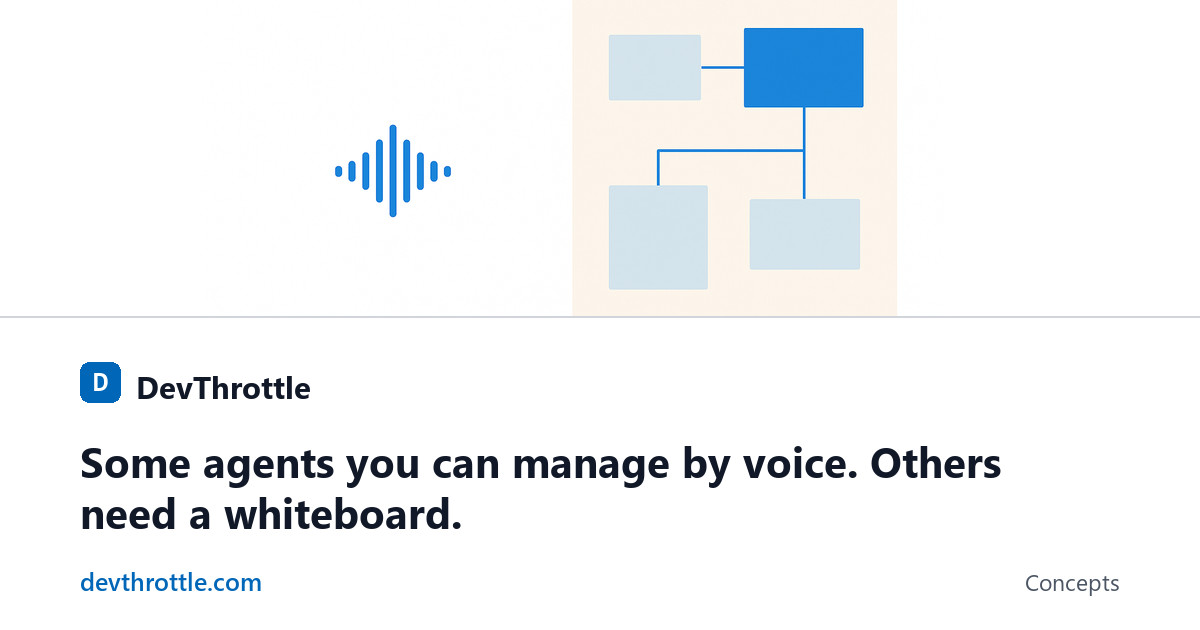
I have managed a lot of developers over the years. Some of them you can call on the phone and talk through the whole thing - they hold the design in their head, you describe what you need, and they run with it. Others you cannot brief that way. You need a whiteboard, or a shared screen, and you draw the flow out together before anything gets built.
Neither one is the "better" developer. They just need a different mode of working. The longer I build with agents, the more of that human experience transfers straight over. Some agents you can talk to. Some you need to sit down in front of.
Voice-only works, until it doesn't
A surprising amount of development is better done out loud. When you are making an architectural decision, or working out how a flow should move through an application, it is often easier to brainstorm it and just talk it through. I do a lot of my work this way - voice only, going back and forth with the agent, no screen involved.
And then I hit a wall. There is always a point where you need the computer. You need to see the application actually running. You need to read a specification document, or look at a UI and test that the thing you described is really there. Voice carries you a long way and then it stops carrying you, and pretending otherwise just slows you down.
Reading the agent back to you
This is why I built Wingman - a voice layer that sits on top of the agent. It summarizes what the agent is doing and turns it into natural language that can be read back to you out loud. For a lot of work, that is a much better experience than watching text scroll by in a terminal. You can be walking, or making coffee, and still stay in the loop.
But it is not one-size-fits-all, and I do not want to pretend it is. The read-back is the right tool for some of the work, some of the time. The moment you need to see something, you switch.
The switch is the product
So the biggest thing I have been building into DevThrottle is not any single mode. It is the flexibility to move between them without friction - voice mode when you are thinking out loud, full-screen mode when you need to see the app running, remote browser mode when you need to reach in and test something from wherever you are.
Working with an agent is as varied as working with a person. The workflow has to be simple enough that switching modes is not a decision you dread. That is the whole idea.
Sitting on the dock with a cup of coffee
My favorite version of this: sitting outside with a cup of coffee, just chatting to an agent, turn by turn, letting it read its work back to me. At some point I get pulled in - I need to grab the computer and actually look. The good workflow does not punish you for that. It lets the conversation start on the dock and finish at the desk.
DevThrottle puts every agent on one place, flags the ones waiting on you, keeps them running in the background, and lets you answer from any browser or your phone - by voice or by screen, whichever the moment needs. It works with the agents you already use, and your agents run on your own machine.
Run your agents from one control room
DevThrottle orchestrates command-line coding agents across your machines.
Create free account